Authenticator App
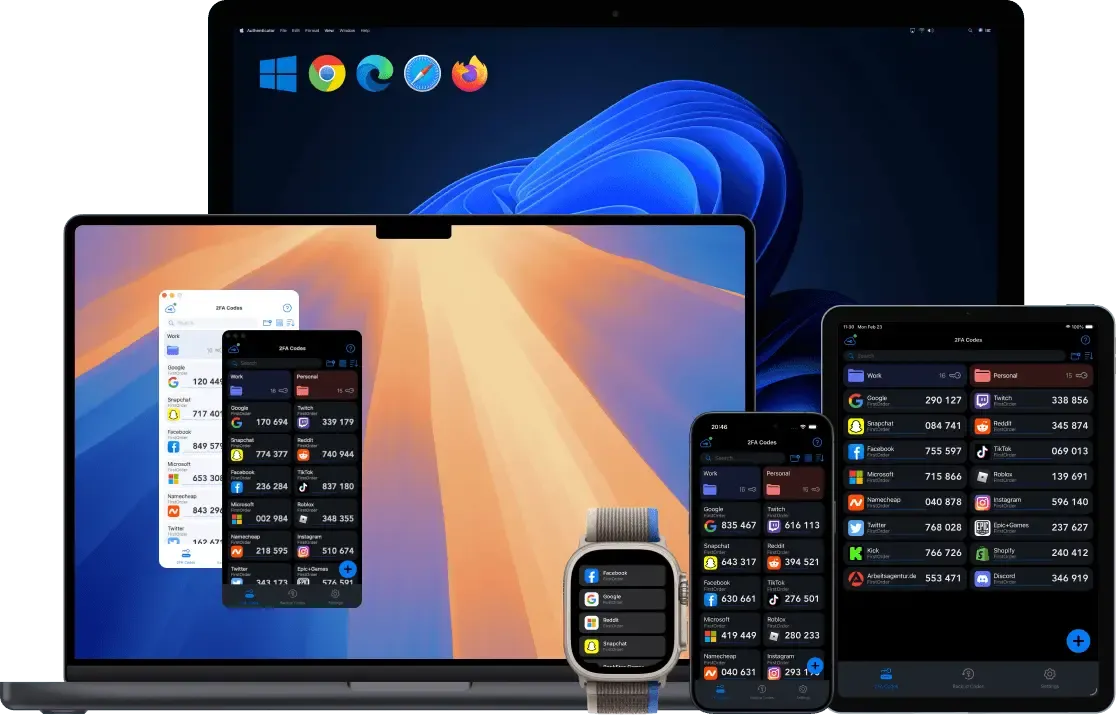
Professional, Secure, User friendly Authentication App. Works on iPhone, iPad, Apple Watch, Mac, Android, Windows, Linux and Web browsers.


Scan to download
Powerful Features
Everything you need for secure authentication
Smart Management
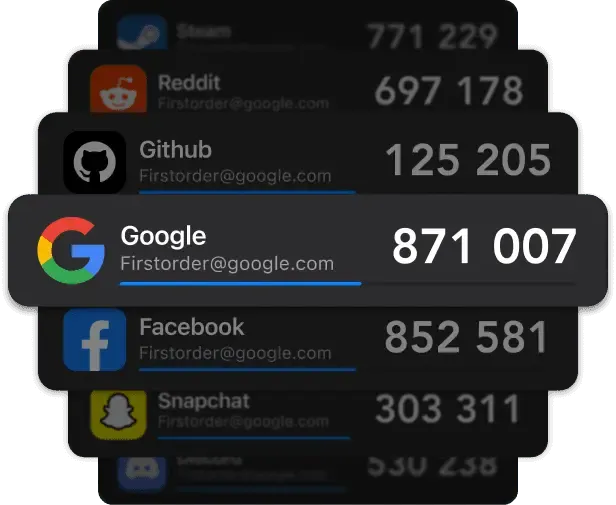
Organize accounts with folders, auto-fill codes and passwords via the system keyboard, and secure your data with encrypted export options.
End-to-End Encryption
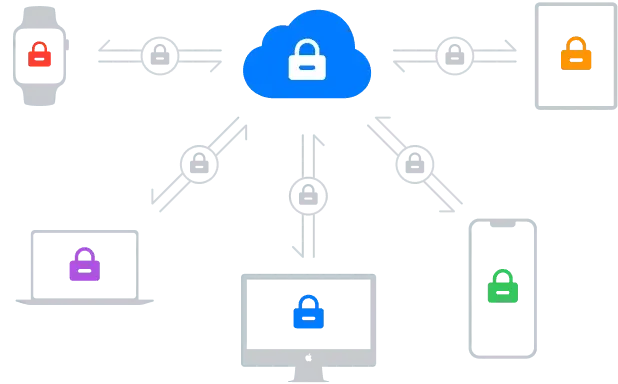
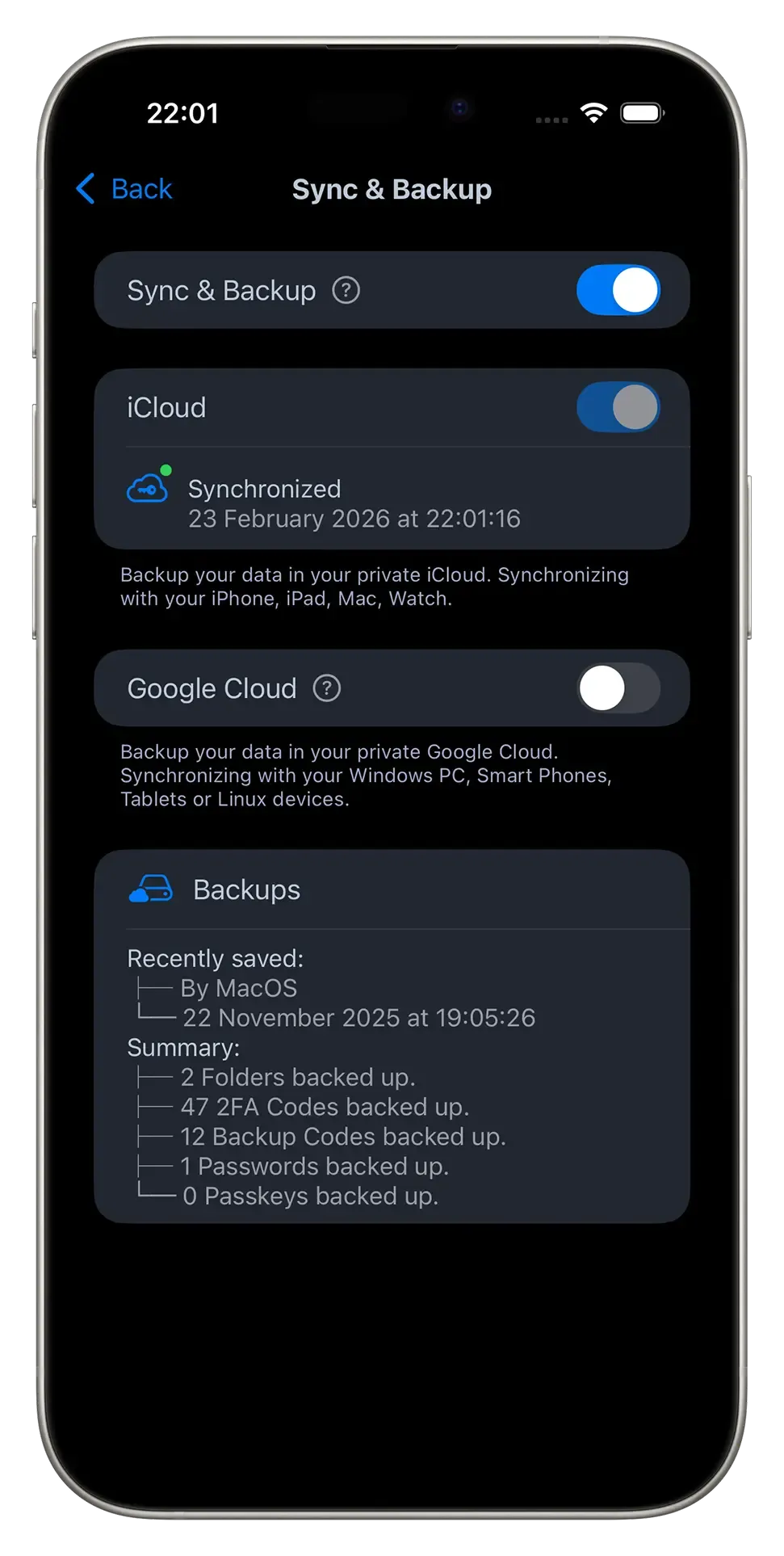
Secure your digital identity with End-to-End Encryption (E2EE). Your data is stored in your private cloud (iCloud, Google Drive, OneDrive) and protected by biometric locks (FaceID/TouchID) and PIN codes. Only you hold the keys.
Universal Sync & Cross-Platform
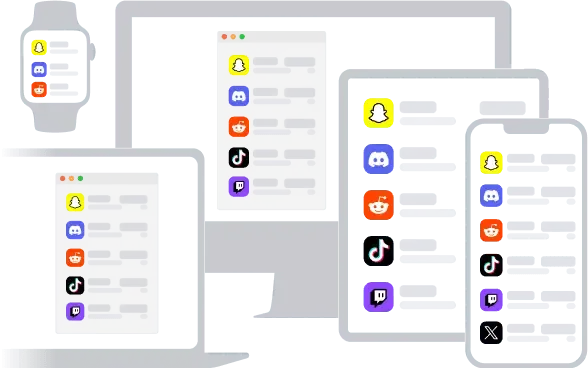
Seamlessly access your 2FA codes across iOS, Android, macOS, Windows, and Linux (Ubuntu). Includes browser extensions for Chrome, Edge, and Firefox, plus a standalone Watch App for wrist-based access.
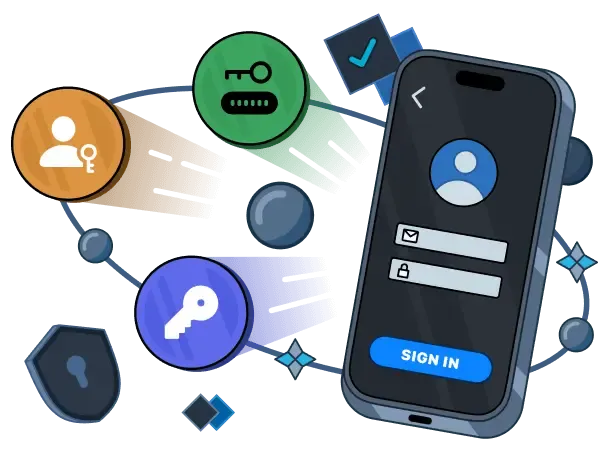
Next-Gen Auth: Native Passkey Support
Experience the seamless security of Passkeys. Manage Passkeys, 2FA codes, and passwords in one powerful, encrypted hub. Your all-in-one vault for a passwordless world.
Beyond the Interface: AI-Ready
Move past manual entry. Use our MCP server to give your AI assistants secure context, or command your vault via CLI—security that keeps pace with AI. Built for developers and AI agents. Seamlessly integrate your credentials into AI workflows via MCP or automate your security stack with our powerful CLI.
See It In Action
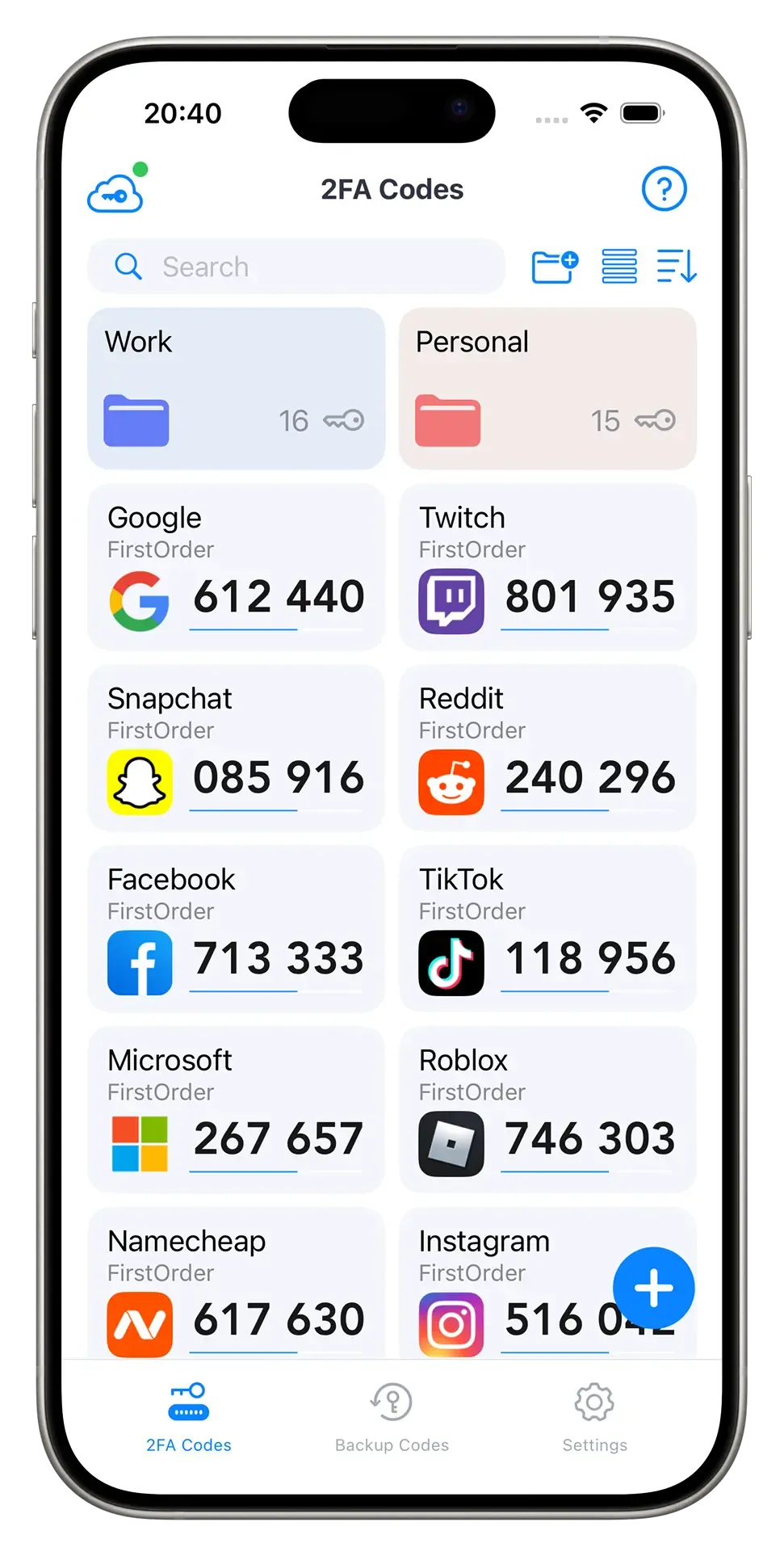
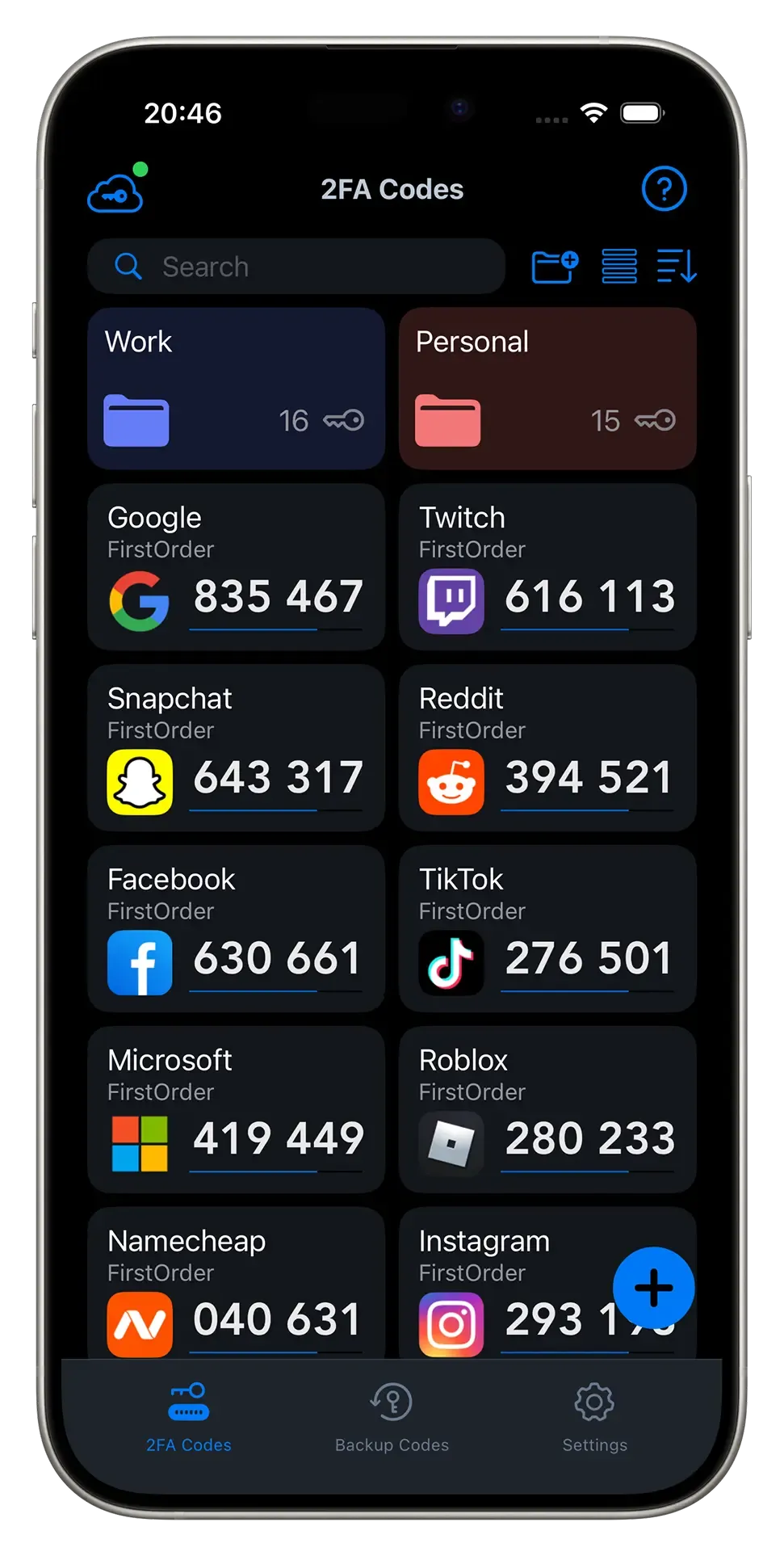
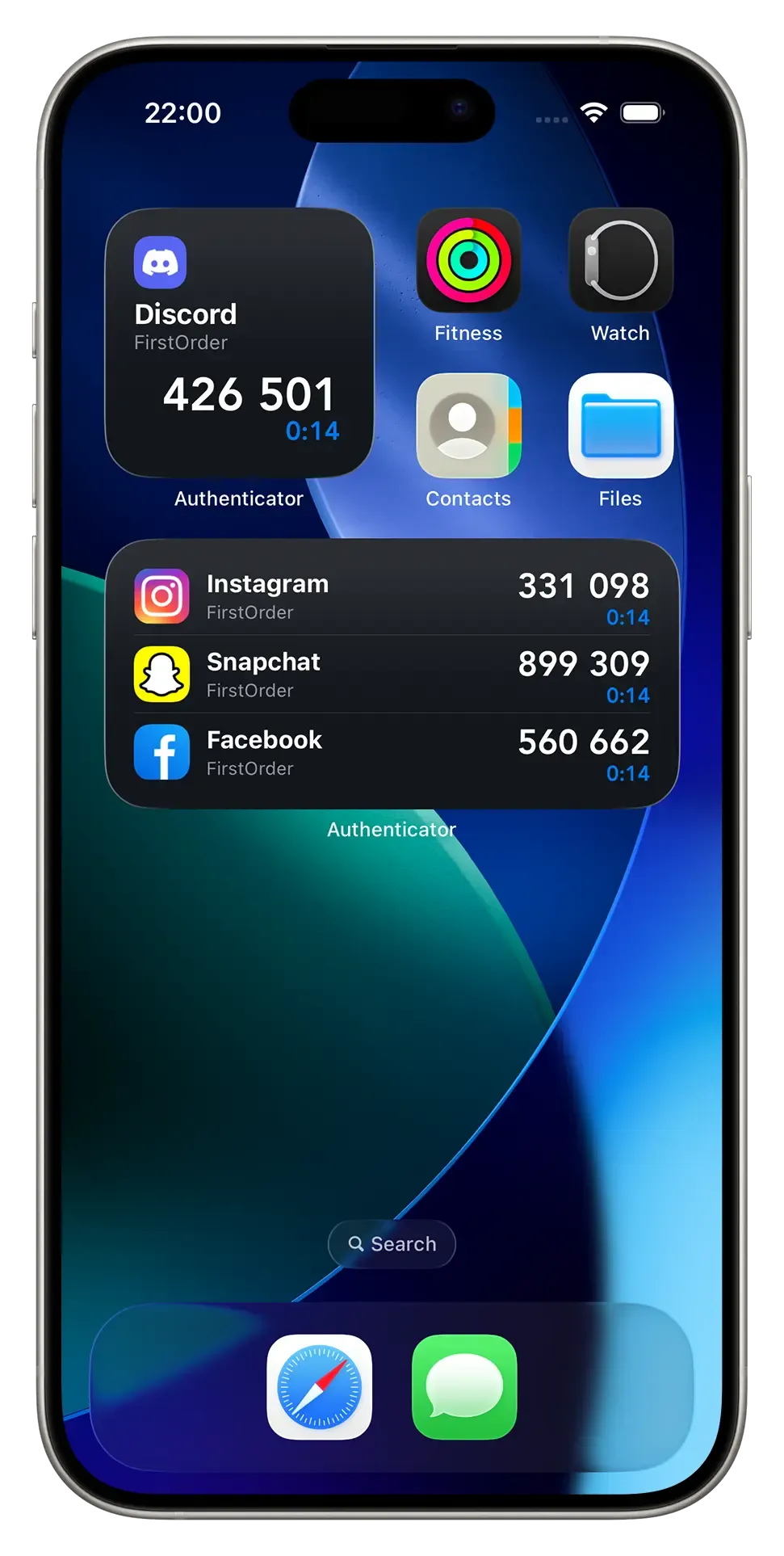
Beautiful, intuitive interface
2FA Setup Guides
Step-by-step tutorials for popular platforms


Frequently Asked Questions
Why Choose FirstOrder Authenticator?
While many users start with Google Authenticator or Microsoft Authenticator, FirstOrder AI provides a privacy-first alternative that bridges the gap between simplicity and advanced power-user features. Unlike Google’s basic offering, we provide fully encrypted cross-device sync and a desktop client for Windows and macOS. Compared to Authy, our app remains focused on a clean, ad-free experience with better support for native platform features like biometric unlock (FaceID/TouchID) and specialized browser extensions that auto-fill TOTP codes, significantly reducing login friction.
What happens if I lose my phone?
Don't worry. Since your data is encrypted and backed up to your personal cloud (iCloud/Google Drive/OneDrive), you can simply log in on a new device to restore all your 2FA codes instantly.
Is it compatible with all services?
Yes, we support the standard TOTP protocol used by Google, Facebook, Amazon, Microsoft, and thousands of other services.
What is the MCP Server feature?
It stands for Model Context Protocol. It allows AI agents (like Claude or local LLMs) to securely interact with the authenticator context if authorized, enabling next-gen AI automation workflows.
Is Authenticator App free to use?
Yes, we offer a robust free version that supports unlimited accounts and core TOTP generation. Premium features, such as advanced encrypted cloud sync and cross-platform desktop access, are available via subscription to support ongoing security audits and infrastructure costs.
Can I use this app without an internet connection?
Absolutely. TOTP code generation happens locally on your device based on the internal clock and the secret seed. Internet access is only required for optional features like cloud backup and cross-device synchronization.
How does FirstOrder AI handle my sensitive data?
We follow a zero-knowledge security model. Your 2FA seeds are encrypted on your device using keys that only you control. When you enable cloud sync, the data is encrypted before leaving your device, ensuring that even if our servers were compromised, your secrets would remain unreadable.
What Users Say
"Finally, a true cross-platform solution!"
"I switched from Google Authenticator because I needed my codes on my Windows PC and my Mac. This app syncs instantly via my own iCloud. The Apple Watch app is a game changer."
— David M., Software Engineer
"Secure and Private"
"I love that my data isn't on some random server. Being able to backup to my own Google Drive with encryption gives me peace of mind. The folder organization helps manage my 50+ accounts."
— Sarah L., Digital Marketer
"The AI integration is neat"
"Didn't expect to see an MCP Server implementation in an auth app. It’s great for my local LLM workflows. Forward-thinking devs!"
— Alex K., Tech Enthusiast
The Apple Watch app is a lifesaver.
I used to hate pulling my phone out every time I needed to log into my VPN. The standalone watchOS app is incredibly fast and works even when my phone isn't right next to me. A must-have for productivity.
— Jason K., SysAdmin
Finally, a painless switch.
I was terrified of losing my codes if I switched apps, but the import feature made moving from Google Auth a breeze. Plus, knowing I can export an encrypted backup locally means I'm not locked in forever. Respect for the user-first design.
— Maria S., Freelance Designer
Cleanest UI in the market.
Most 2FA apps look cluttery or outdated. This one is sleek. The folder management is exactly what I needed to separate my 'Work' accounts from my 'Personal' crypto exchanges. Auto-fill on Mac works like a charm.
— Tom H., Crypto Trader
Download Authenticator App
Available on iOS, Android, Windows, and macOS
Scan to download
Browser Extensions
 Add to Chrome
 Add to Edge
 Get for Firefox